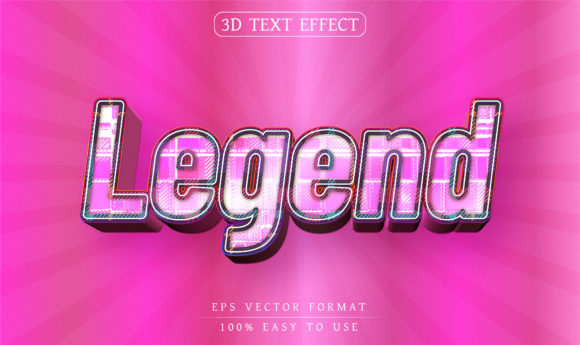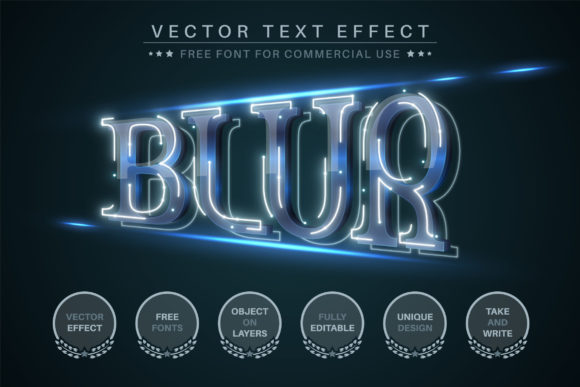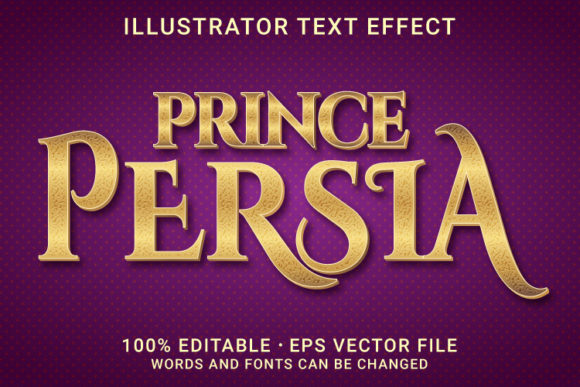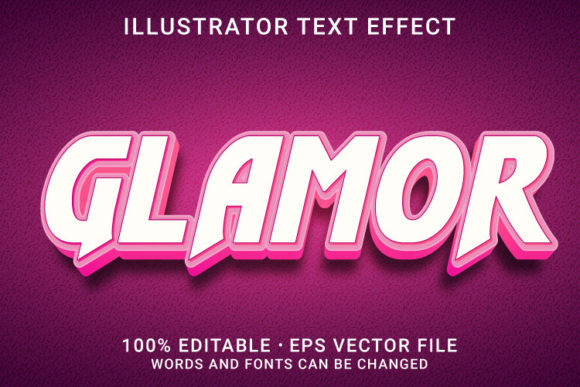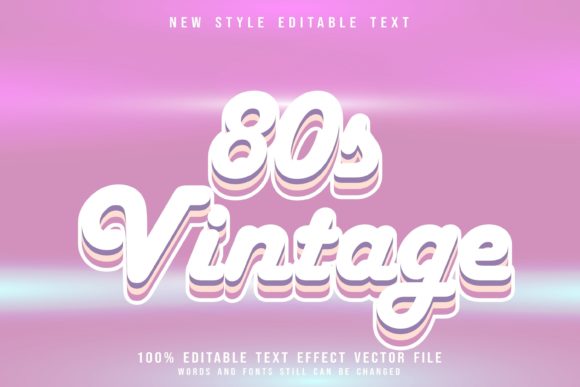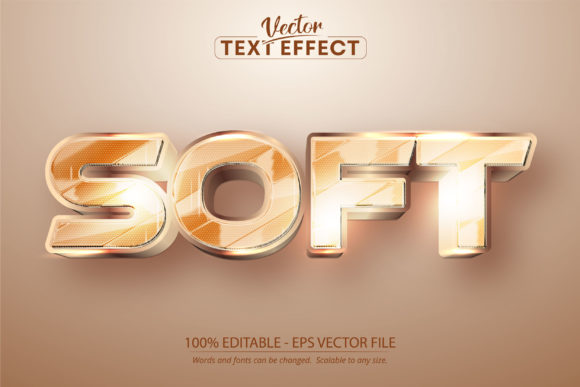
Golden Style Editable Text Effect
In the world of visual communication, few things command attention quite like gold. It signals luxury, prestige, and timeless quality. However, achieving a realistic, high-end metallic finish in digital design has traditionally been a hurdle for many creators. This is where the Golden Style Editable Text Effect changes the game. It is not merely a font; it is a sophisticated vector-based text effect designed specifically for Adobe Illustrator that allows you to apply a stunning golden aesthetic to any typography you choose.
Understanding the distinction between a typeface and a text effect is crucial for designers looking to elevate their work. A font defines the shape of the letters—their weight, serif style, and spacing. An effect, on the other hand, defines the surface appearance—the texture, color gradient, and lighting. By combining these two elements, you gain the flexibility to use your favorite custom fonts while instantly dressing them up with a premium metallic look. This approach offers unparalleled creative freedom, allowing you to maintain brand consistency while adding a touch of opulence to your projects.
Why Vector-Based Effects Matter
The core advantage of this specific tool lies in its file format. The Golden Style Editable Text Effect is provided as an EPS CS6 file compatible with Adobe Illustrator. Unlike raster images or locked PDFs, this vector-based solution ensures that every curve and highlight remains crisp regardless of how much you scale it. Whether you are designing a small social media graphic or a massive billboard, the edges remain sharp and the gradients smooth. This scalability is essential for professional output, ensuring that your designs look polished across all mediums.
Furthermore, because it is built within the Illustrator ecosystem, it leverages the software’s powerful layering and blending capabilities. You are not just applying a static image; you are working with editable paths and fills. This means you can tweak the intensity of the shine, adjust the contrast, or modify the underlying text without losing the integrity of the golden effect. For freelancers and agency designers who need to iterate quickly for clients, this efficiency is invaluable.
Unmatched Customization Capabilities
One of the most compelling features of this effect is its 100% editability. When you open the file, you are greeted with a structure that invites experimentation. You can change the font family entirely. Want to pair the gold effect with a bold sans-serif for a modern tech brand? Or perhaps a classic serif for a law firm or luxury hotel? The effect adapts seamlessly. This versatility allows you to maintain a cohesive visual identity while exploring different typographic personalities.
The ability to edit the text directly means you can test various copy lengths and layouts without starting from scratch. Need a short headline for a hero banner? Easy. Need a longer quote for an about page? Simply paste the new text, and the effect adjusts. This fluidity encourages creativity, allowing designers to focus on messaging and layout rather than technical limitations.
- Font Agnostic: Works with any font installed in your system, giving you total control over the typography.
- Scalable Resolution: Vector graphics ensure no pixelation, making it suitable for print and web alike.
- Easy Editing: Simple interface allows for quick modifications to text content and styling.
Practical Applications Across Industries
The beauty of the Golden Style Editable Text Effect is its broad applicability. It is not limited to one niche but serves as a versatile tool for a wide array of professionals. For marketers and entrepreneurs, gold often conveys value and exclusivity. Using this effect on product packaging, business cards, or promotional flyers can significantly enhance perceived value. Imagine a skincare brand using this effect on its logo to suggest premium ingredients, or a financial advisor using it on a brochure to imply stability and wealth.
For educators and bloggers, the effect can be used to create eye-catching headers, featured quotes, or call-out boxes. In a sea of plain black text on white backgrounds, a well-executed golden headline can draw the reader’s eye immediately, increasing engagement and readability. It adds a layer of polish to digital content that makes it feel more curated and professional.
Hobbyists and crafters also find immense value in this resource. If you use design software to create files for vinyl cutters or laser engravers, having a pre-made, editable golden effect can streamline your workflow. You can generate mockups to show clients how their engraved jewelry or wooden signs will look before committing to production. This reduces errors and builds confidence in your design proposals.
Styling for Different Contexts
To get the most out of this effect, it is important to consider context. Gold can easily become overwhelming if not balanced correctly. Here are some practical tips for keeping your results clear and effective:
- Balancing Backgrounds: Gold shines brightest against dark backgrounds. Deep navy, charcoal, black, or rich emerald green provide excellent contrast. On light backgrounds, the effect may appear muted unless you increase the saturation or add a drop shadow to separate the text from the canvas.
- Typography Choice: Thicker fonts tend to showcase the metallic gradients better than ultra-thin scripts. The interplay of light and shadow works best when there is substantial surface area to reflect. However, delicate scripts can work well for elegant, subtle accents.
- Consistency: Use the same golden tone across a project to maintain brand cohesion. Mixing different shades of gold can create a muddy or inconsistent look. Stick to one preset or carefully curate a single palette.
Technical Considerations and Workflow
Since this is an Adobe Illustrator-specific asset, users should be comfortable with basic vector editing. While the effect is "very easy to edit," having a foundational understanding of layers, swatches, and object attributes will help you troubleshoot any issues. Remember, the file is an EPS CS6 format, which is widely supported but requires Illustrator or compatible vector software to open and edit fully. It cannot be opened natively in programs like Photoshop or Canva without importing it as a placed object, which limits editability.
For those who frequently switch between platforms, consider exporting final designs as high-resolution PNGs or JPEGs for web use, while keeping the original AI/EPS files for future edits. This hybrid workflow ensures you have both the flexibility of source files and the accessibility of standard image formats. Always back up your original template so you can reuse the golden effect for multiple projects without re-downloading or recreating assets.
Building a Creative Library
Smart designers treat templates as building blocks. Instead of creating a new golden text effect for every campaign, build a library of variations. Create versions with different levels of gloss, different background colors, and paired with different font styles. Over time, this library becomes a powerful asset that speeds up your production process. When a client asks for a "luxury" look, you can pull from your curated collection rather than starting from zero. This approach not only saves time but also ensures a higher quality of output, as each variation has been refined and tested.
Ultimately, the Golden Style Editable Text Effect is more than just a decorative tool; it is a strategic design element. It bridges the gap between affordability and luxury, allowing creators of all skill levels to produce work that looks professionally crafted. By leveraging its editable nature and vector precision, you can bring a sense of elegance and authority to your projects, whether they are digital or print-based. Embrace the flexibility, experiment with combinations, and let the golden glow enhance your creative vision.